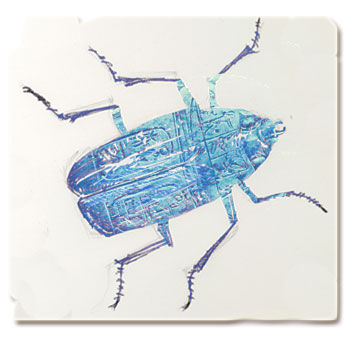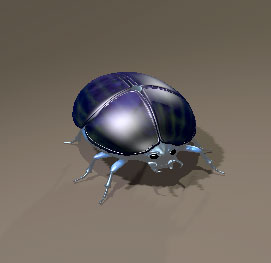
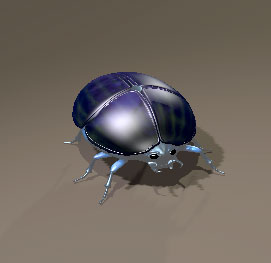
My first foray into using Poser, which is an application with 3D models and character creation tools to create and render 3D graphics and animations. The manual is 800+ pages so I am ignoring that and jumping in to play. Luckily there is a scarab beetle in the library so I will use this library model to explore how to change materials, lighting, camera angles and to key frame to create movement. Some of the language of the app is familiar to other programs I have used (Danceforms, and a brief brush with 3D Studio Max).
There is significant complexity/capacity in the editing tools that deal with colour, texture and lighting. You can import textures and/or manipulate diffuse colour, highlights, ambient light and reflection. And you have to choose from individual body parts when making these manipulations.
So, without knowing what I was doing I have changed colours, textures and highlights on the library model. Next I plan to make changes because I know what I’m doing. Also want to change the shape.
No idea yet how I create my own models.
I can see that this is going to be a challenge!