

I’m too visual and verbose for Twitter. I don’t think anyone is that interested in where I am and what I’m doing or liking, to be large in the Facebook space. Facebook is great for keeping up with friends, but I don’t really want to communicate with people I don’t know through FB.
But Pinterest has captured me because it is visual and is a space where I can organise ideas visually – for artistic inspiration, or for ‘lifestyle’ interests, or just for fun. And I can engage (or not engage) with people I don’t know as it suits me. I’m following some interesting visual collators, who have ‘like’ ideas, and get regular updates on how others are using the images I have pinned. I can pin other people’s images, or upload my own. Further down the track I can set up boards with my own work.
The interface is too too simple and so fast – you can pin on the run – and your pins are immediately organised and look great.
What I really love about Pinterest is the capacity to place images together, which speaks to a particular aesthetic, or what I’m thinking or feeling at the time. It’s great incubation for ideas, which is essential to innovation! It’s an ideal digital visual diary. And you can pin video as well, but I haven’t tried that yet.
So what have I been pinning?
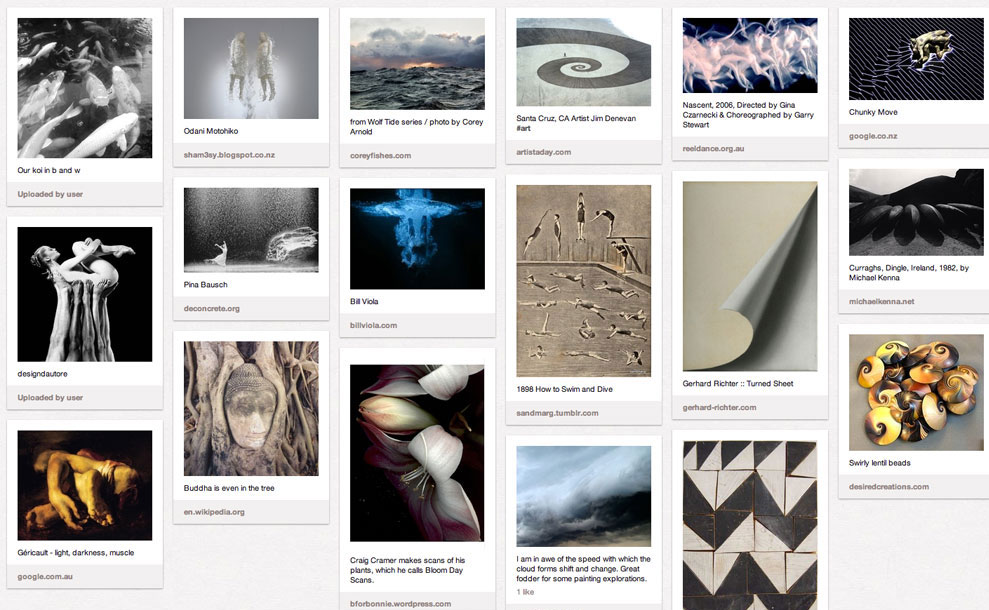
I have boards for my CURRENT OBSESSIONS like Orbs, Contraptions, Patina, Fish and Beetles.
I have a board for general INSPIRATION
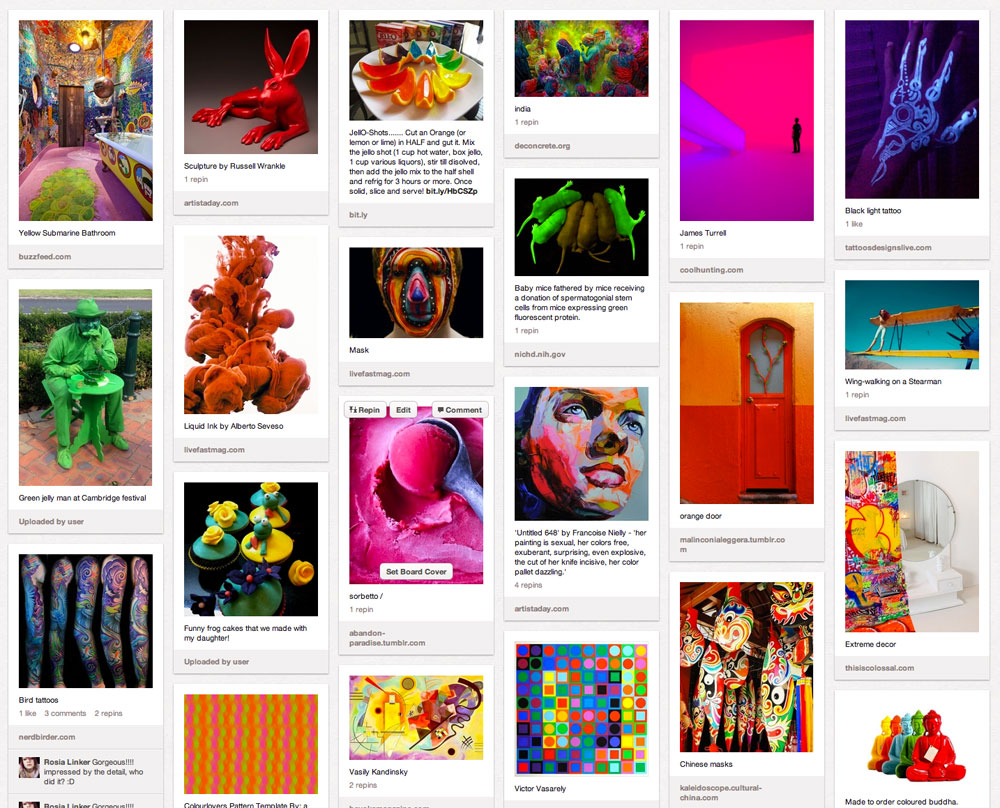
I have a board to explore colour – EXTREME COLOURS (colour combinations that are alive and inspire).
There are some boards that I’m building for Dancing Capital as well – choreographic stimulus.
Like all social media, this site is collecting my data, but it’s data I’m willing to share. I’m also willing to accept the inevitable marketing that will come, hoping that it is better targeted at what I am interested in!
BTW the featured image for this post is the a snapshot of the Green Jelly Man from the Cambridge Festival in NZ, pinned to my Extreme Colours board.
 An artist's practice