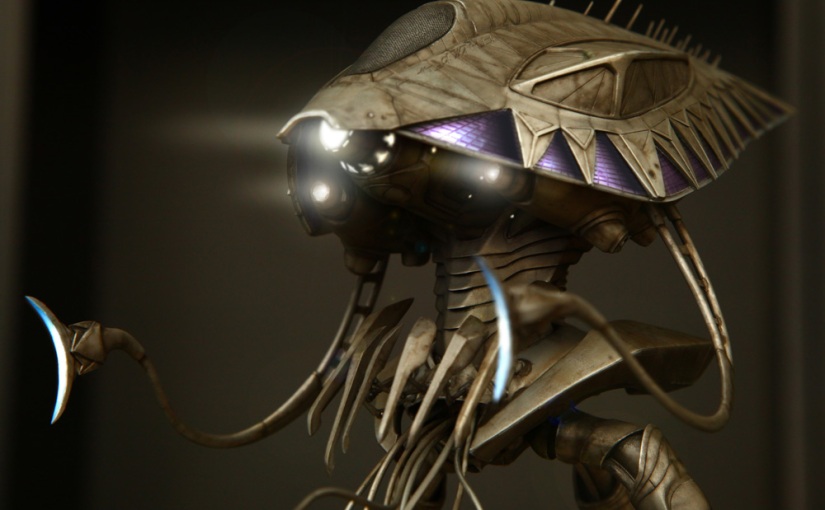
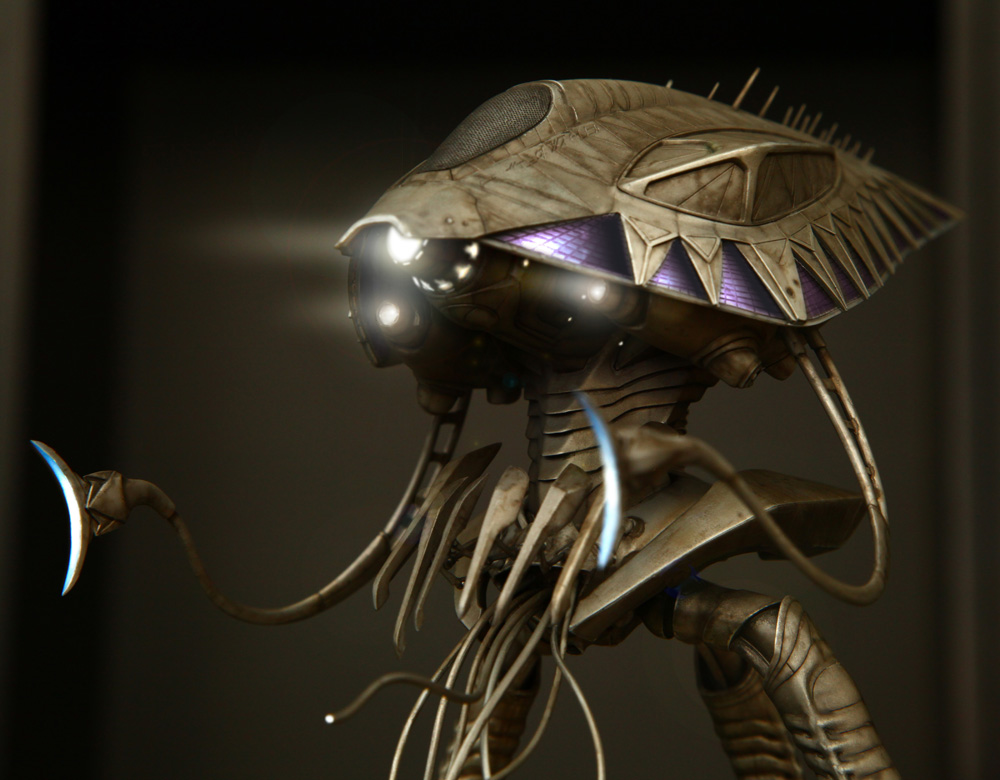
- Chris’s Pegasus War of the Worlds Tripod on Static Capital
We have always joked about Chris being a ‘Luddite’ and particularly his related technophobia. He has always had a bit of a ‘hate hate’ relationship with my much loved computers.
If you’d been passing, you would have heard a fair bit of swearing blasting out of our house in recent weeks. We have finally set up a blog for Chris—no, a ‘phlog’—I’ve been keeping up with my WordPress ‘tutes’. The swearing has been because:
a) I have been trying to show Chris how to crop, clean up and manipulate his photographs in Photoshop
b) He wants to do it himself, but can’t always remember how to go about it
c) At the same time he is learning how to author posts in WordPress
d) This may constitute overload for a Luddite.
Simultaneously, I am helping my mother learn to use her new computer. My mother is 86 years old and this is the first time she has owned a computer, other than my ancient first generation PC, which she played Solitaire on.
We have set her up on the internet and she is reading emails, searching through Google and printing from sites. A recent challenge was when she managed to change the language on her HP printer to Chinese. A search on the web for guidance to change back to English was somewhat profitable, but nobody had it quite right so I had to do it by trial and error – clicking until I found Language/English, which was at least 6 clicks from the main menu (along a path with multiple options—in Chinese— at every step). How she managed to change it in the first place, I have no idea!
Kudos to Chris though, because he is having success in Photoshop, and seems to be enjoying himself. He is finally showing frustration at my monopoly of computer time and is suggesting he gets his own.
Kudos to Mum because she is not afraid to keep plugging away at trying to remember where she is and what she is meant to do. She is completely engaged with the notion of what a computer can potentially do for her, even if she is inclined to berate herself for not learning more quickly. It is fascinating to watch her read everything on screen (not something I have seen in my experience teaching with computers) and I am looking forward to her building visual literacy in the technology space.
So—Luddites no more—and typically, all it takes is a connection with something that the ‘student’ wants to do, one of the key tenets of quality teaching.





 An artist's practice